from Prof. W. Tim G. Richardson www.witiger.com
things to get an "A" in presenting

| Presentation
Tips
from Prof. W. Tim G. Richardson www.witiger.com things to get an "A" in presenting |
|
This page has been online since 2007
| . | This page
used in the following courses taught by Prof. Richardson
.
|
 |
.
|
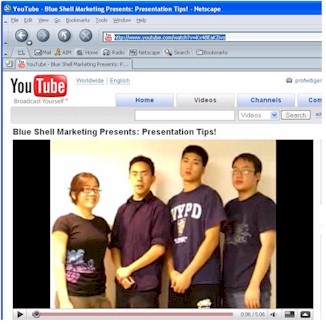
youtube.com/watch?v=Kx48EaKZivo |
.
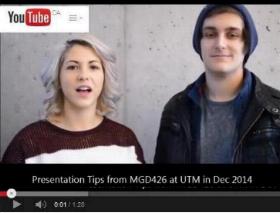
I recommend you have a look at this video in combination with the rest of the page below. In order for your presentation to receive a decent mark for your efforts, you better BRING IT ON |
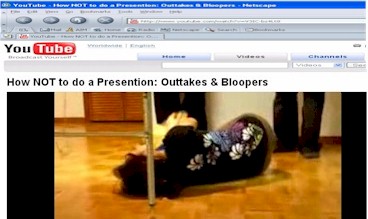 |
And, they did a Bloopers & Outakes video too !!I Which just goes to prove sometimes you don't get it right on the first take, or second, or third...... and Perseverance is rewarded. |
| 1. Appearance |
- it is expected that you
will consider that students in business and marketing will make presentations
"fo real" quite often in your subsequent business/marketing careers. Sometimes
these presentations can be short, just a few minutes, or they can be quite
long, and involve important circumstances related to business with a "big
customer". Whether big or small, you should look professional.

NOT like this |
When
you do a presentation in class - dress nice.
Some students, in the past, have even taken the effort to dress according to a theme.
|

this is too
much
|
 |
If you don't feel like wearing
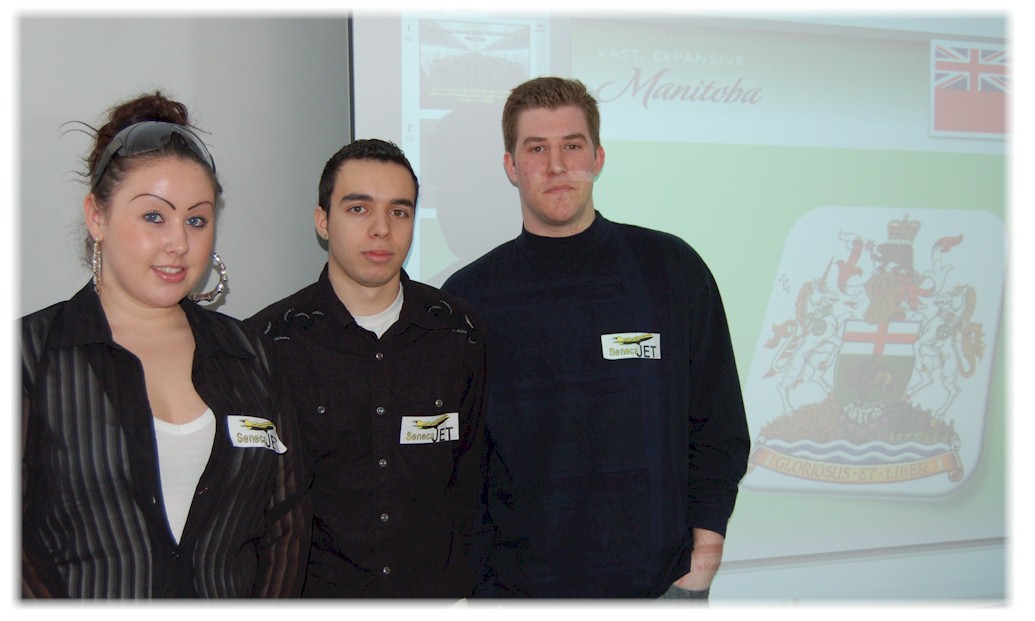
suits or all wearing the same clothing, you can do like Seneca's MRK264's
"Team Manitoba" who all wore black shirts, then had a little sticky
logo they wore on their chest - so it gives the impression they are all
on the same team
click left to view larger |
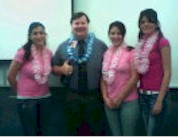
| In
MRK410 in April 2006, the "pink ladies" asked their professor if he wanted
to get "lei'd"
- he agreed - evidence to the right |
 |
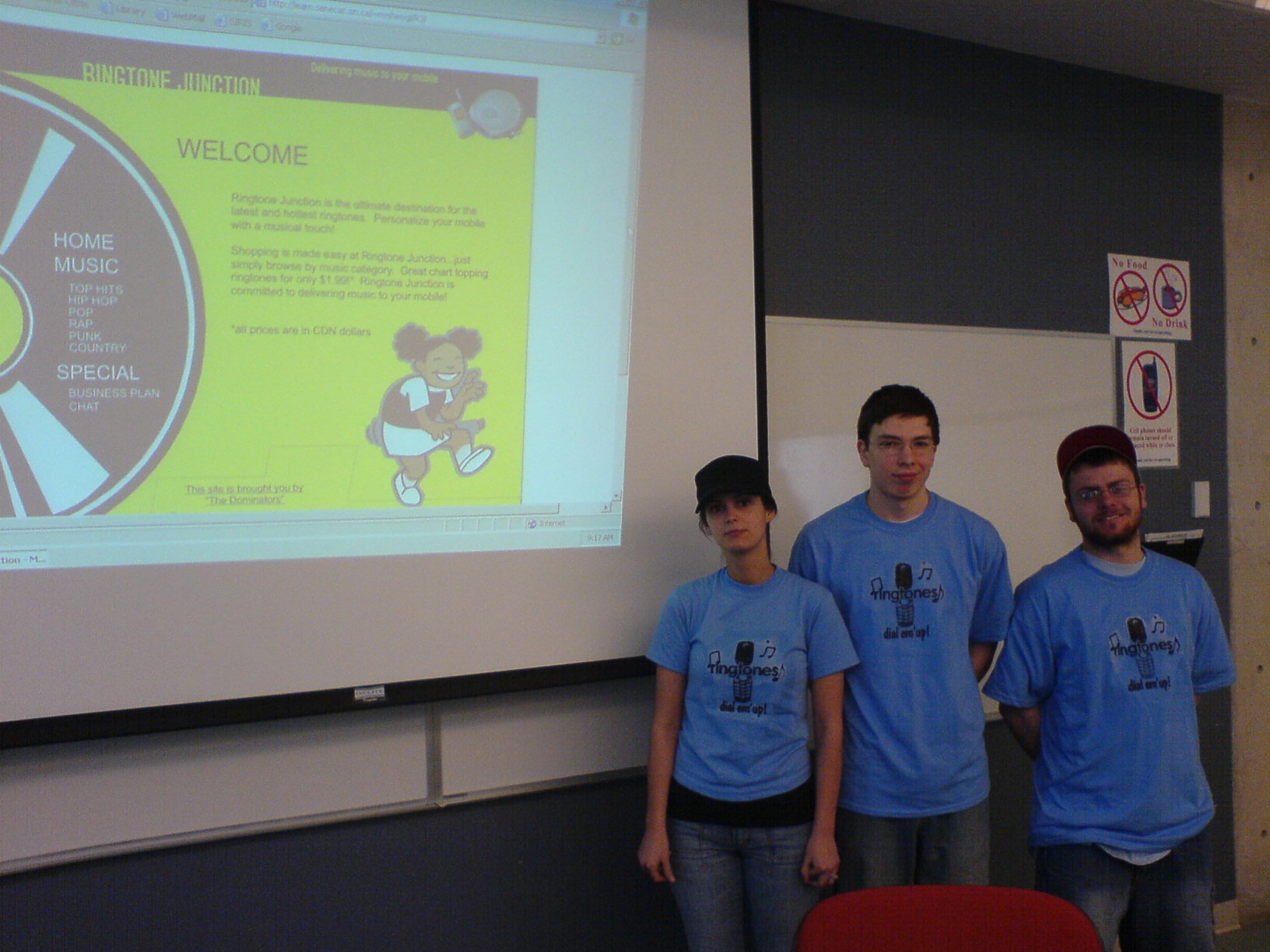 |
In Seneca's
MRK410 in April 2006, Kyle, Linda and Nikita all wore matching blue T-shirts
with their logo, which they had designed themselves
The logo was the same one they used on the storefront part of their group project. |
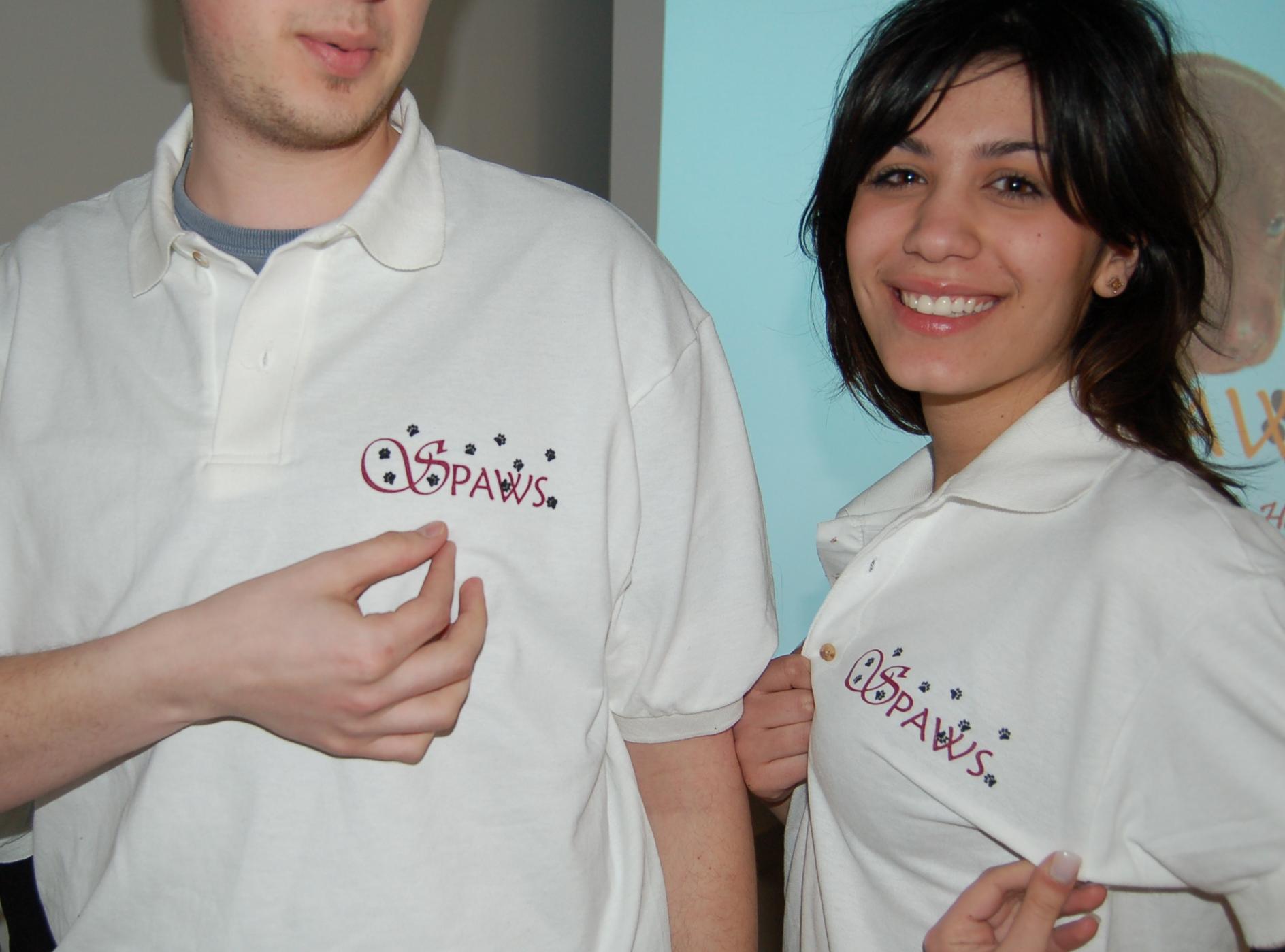
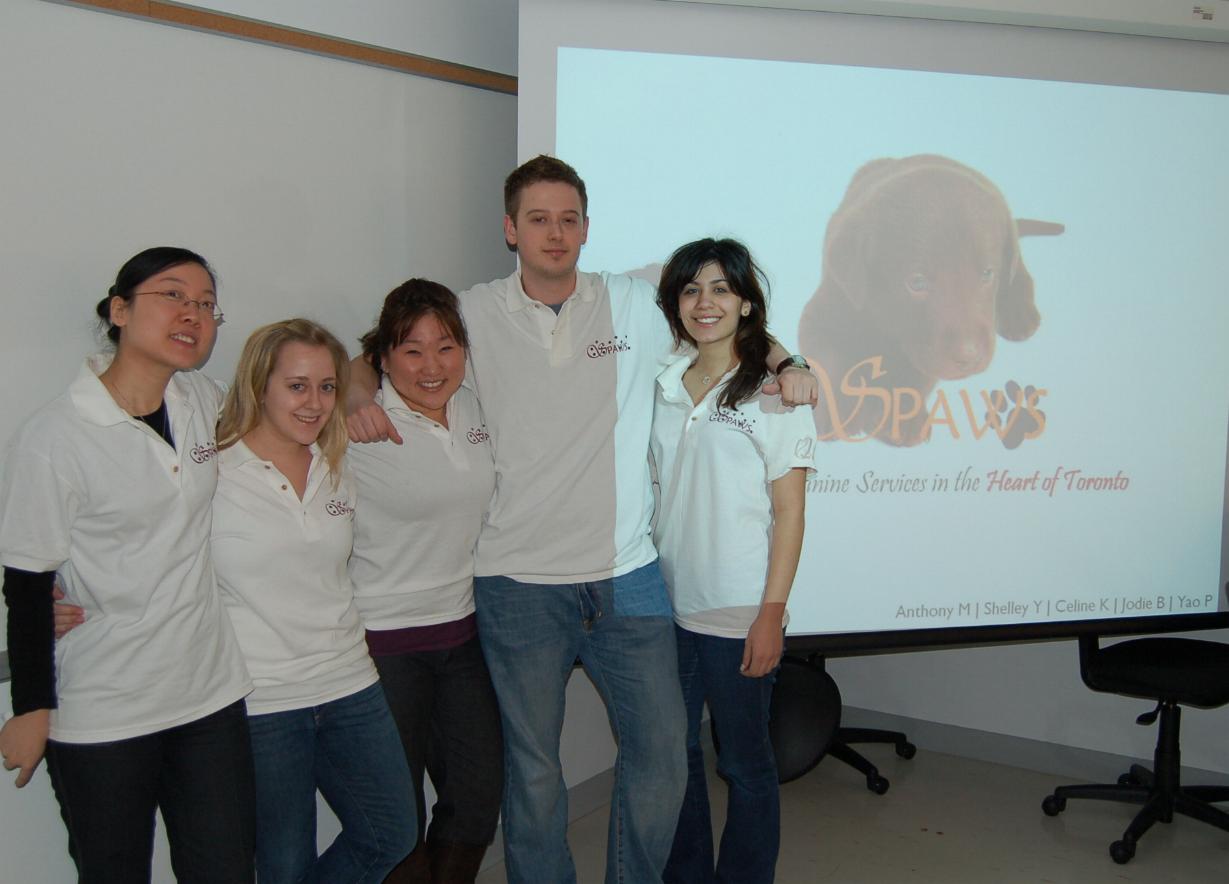
In
Seneca's TCS 301 in April 2007, this energetic group did a presentation
on a Dog Grooming spa and named it "SPAWS" which is a name they came up
with on their own - AND - they then had Golf shirts made up with the SPAWS
logo - I was VERY impressed and together with their great powerpoint -
they got an A+
|
 |
| "Men
in Suits"
For the men in class - NEVER underestimate the effect of going all out and dressing in a dark nice fitting suit. After all, you'll have to have one when you graduate, might as well wear it for a presentation and impress the prof. and the ladies in the room!
|
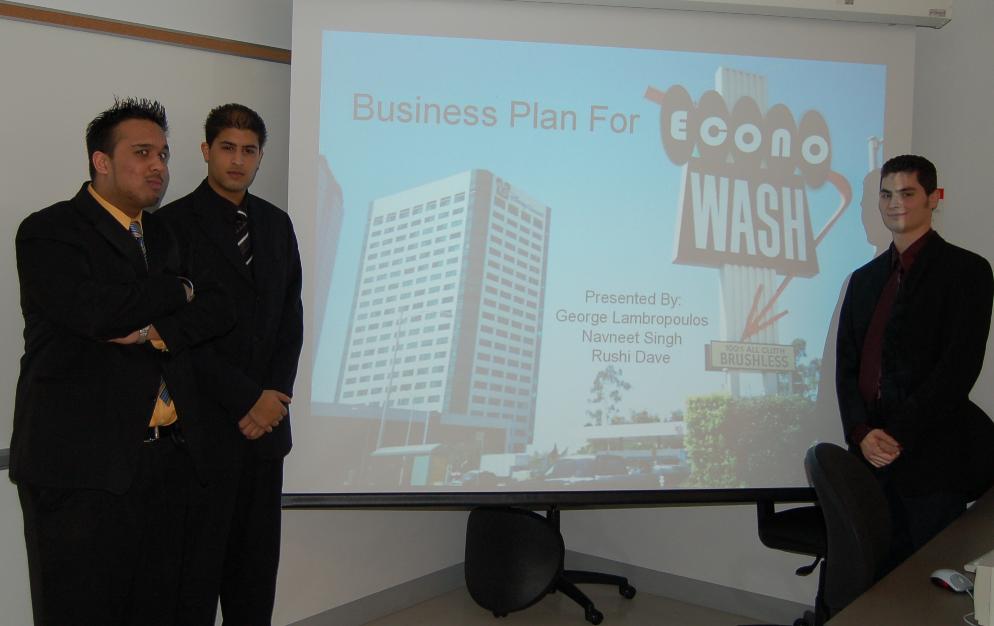 |
| Navneet, Rushi and George did a presentation on a carwash for TCS 301 in April 2007 and they looked nice for the presentation - which contributed to their mark of "A" | |
| Over the past
three years 2008, 2009, 2010 the students in MGD415 at UTM have "co-ordinated"
their team image by creating and wearing customized T-shirts.
Each year the groups get
more and more creative, and the use of humour and "puns" (on buns) is not
uncommon
|
 |
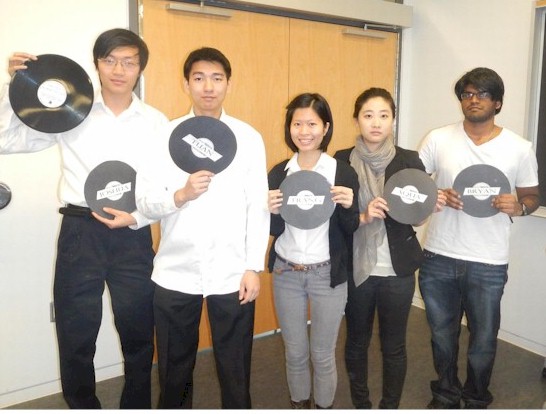 |
There are different ways of allowing the audience to know your name, this group in MGTD06 in April 2013 held up a cardboard record (they were discussing a case regarding a record shop) and on one side was their name in a large font, and on the other side they had some speaking notes - a good combination of two things to help their presentation. |
 |
So, Feb 2012,
Dewey, a guy in the MGTD06 class at UTSC says to me "heh sir, got an interview
by Skype after class, can you show me how to tie a tie"
I said, I'll do better,
|
| 2. Talking |
- basically, if you want
to do well, practice saying your lines
 |
This
group of students in MGD415 in April 2009 did a video of their practice
saying their lines and they ended up doing a good presentation - and,
they posted online two "practice" videos they did so you can see their
progress from "sucky" to "great"
youtube.com/watch?v= LWw9eVOUgg4&feature=related watch it - it also has some great music |
Do NOT write out complete
sentances to memorize, that is too difficult
Just write out point form
comments, and practice turning these point form words into smooth sentances
so your delivery looks natural
- the bottom line is that
you want to convince the listener that you really know what you are talking
about so they will have confidence in you
..
| 3. Coordinate - introduce each other in the group |
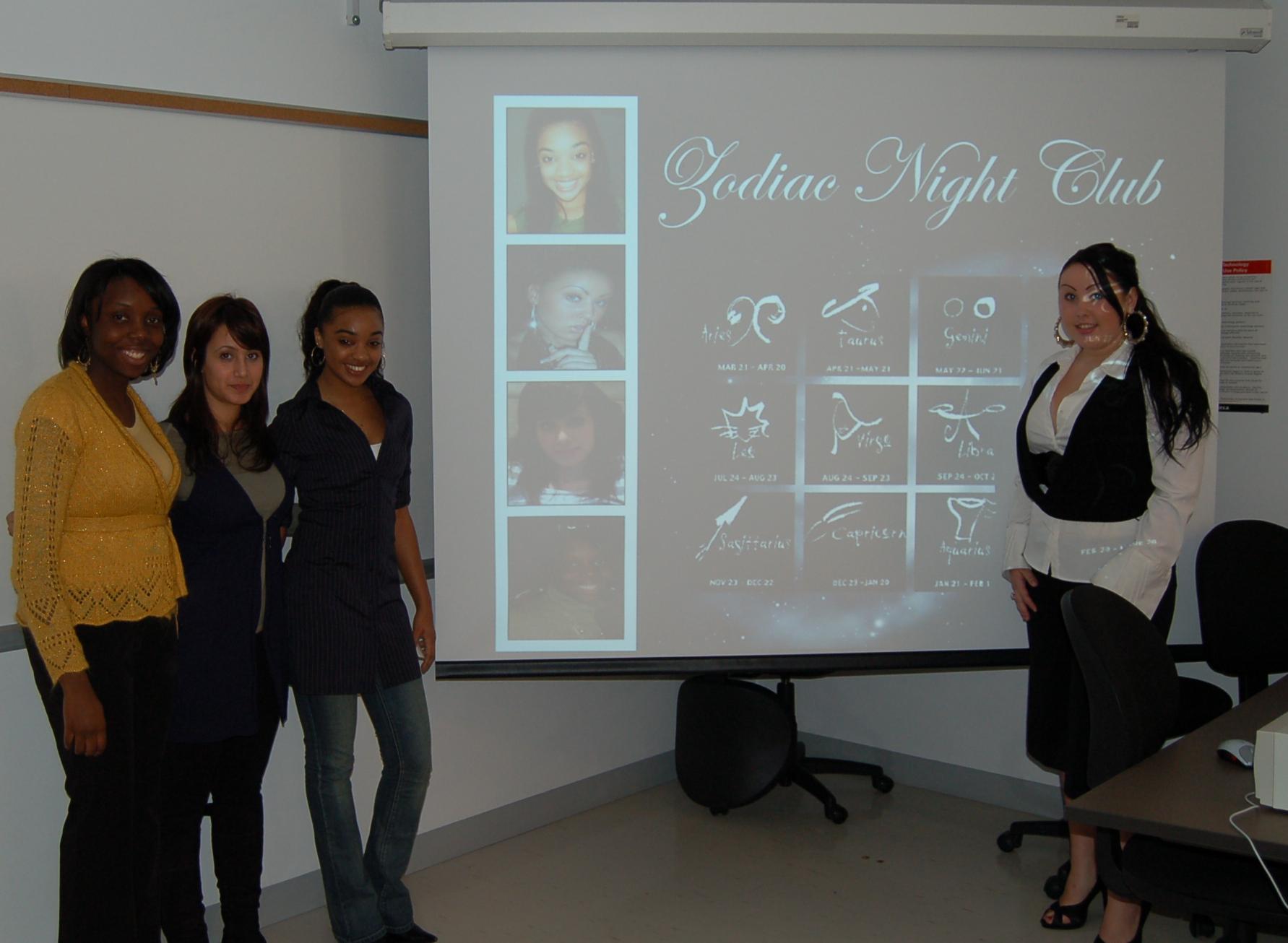 |
This group of
lovely ladies in TCS 301 in April 2007 did a .PPT presentation in which
they took a bit of extra time to explain who the group is + they showed
attractive pics of their faces on the opening slide so it was easy for
everyone watching the presentation to attach a name to a face - oh, they
got "A" of course
(did I mention this also helps the prof. with marking !! ) |
| This group in MGTD06 at
UTSC in Dec 2010 handed out a "cheat sheet" with a list of the topics they
were going to cover, and beside each entry on the list was the name of
the person who was speaking on that topics - very easy to know who was
covering what points - AND to make the connection even easier, they made
up themed shirts with their name in big letters on each shirt.
This helpful thing was one of the reasons they earned an "A" on their presentation. Watch the video for an explanation |
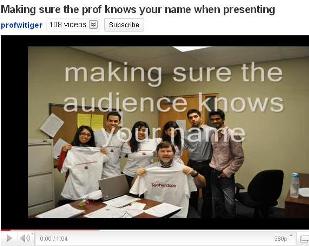 |
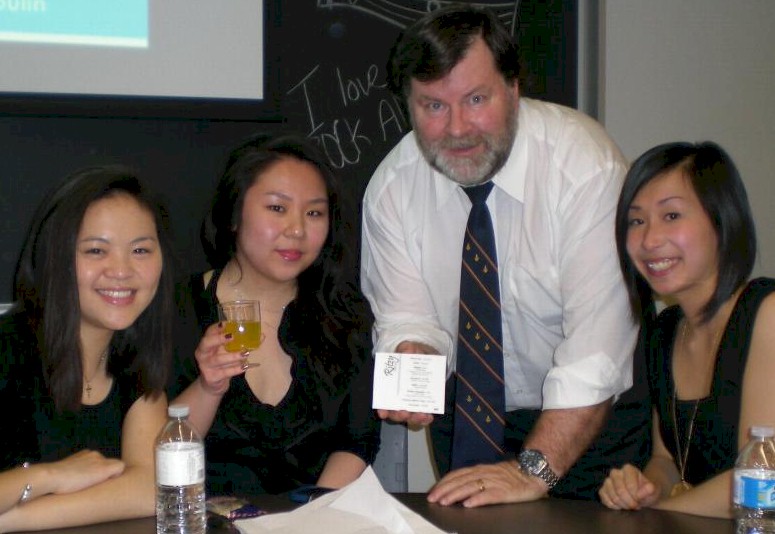
| This group in MGTD06 at UTSC in March 2012 made up little coasters to go with each "beverage" they handed out to everyone in the class before their presentation started - thereby ensuring the audience knew the name of each presenter, and, the list of topics to be covered. | 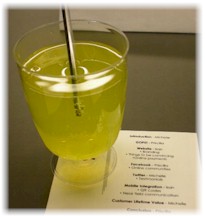 |
Thanks to the
ladies in Team Ritzi
Michelle C. Priscilla L. and Isan Y. |
| I (WTGR) was very interested in this little technique because it was so simple, yet no other student group had done that in many years - sometimes you just have to use your imagination | 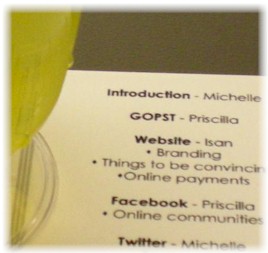 |
 |
- after one person has spoken,
make sure the next person is introduced and explain what they will be talking
about and why it is important
(this also helps the prof
give the right marks to the right people in each group)
- make sure you choose a
speaking order that makes sense
- pick a dynamic person
with a clear voice for the lead off speaker
- if someone is speaking,
let another person advance the slides, or work the overhead, don't make
someone do both jobs
- also, a big part of coordination
is making sure that what you say makes sense
- have another student,
who is NOT in your group listen to the presentation, then after ask them
for honest comments,
- did the intro make sense, did you quickly explain the business situation,
etc.
| 4. Delivery - speak clearly and project your voice to the back of the room |
- practice saying difficult
words so people know what the term is
- if some terms are new
or unusual, write them on the board, or show a slide
- lift your head up when
you speak, so not look down at your notes, this causes your voice to drop
and makes it hard to hear
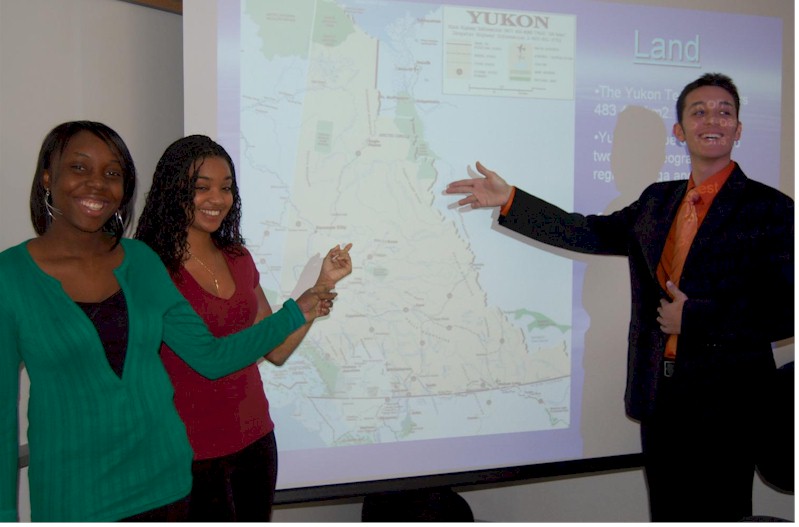 |
These people in "Team Yukon"
are speaking to points on a map, notice that they are facing out towards
the class , NOT facing the map
and also notice the map is large enough that it fills the whole screen so the audience can easily see the features they are pointing to |
| really good example of a
student speaking loudly, with enthusiasm, animated, moving around, looking
at the audience, moving arms for emphasizing gestures. etc.
- and notice that you do NOT have to be a perfect native speaker of english to be a great communicator - mainly, you just need genuine enthusiasm, like Henry and Danni |
 |
| 5. Engage - interact with your audience |
- ask questions "How many
people have a cell phone that...."
- ask for confirmation "Don't
you agree that........"
- if you do not have some
good engagement with the audience, you cannot get an "A" on your presentation
- if there is no interaction
with the audience, the maximum mark will be "B"
| This is a good example of
how I demonstrated engaging the audience by asking some opening questions,
AND... kept it going by extending the question to key in on some points
- also listen to the good examples i provide of simple questions easy to
answer
video uploaded
2012 April 11th
|
 |
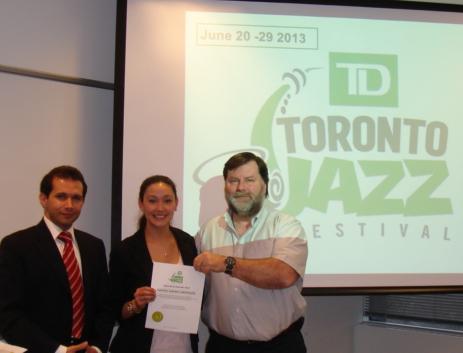 |
"Engaging the audience"
One student, Eddie Sirouspour (wearing the red tie) in the wed section of MRK460 gave a prize to a member of the "student audience" (Cara - in the middle) when his group did their presentation Wed April 10th 2013. The prize was 2 tickets to
see any favourite artist performing at the Festival's Mainstage Marquee
Shows - i'd say this was a pretty impressive thing for Eddie to arrange
and is a good example of a person trying to go "above and beyond" what
is expected.
|
| Time
Engaging the audience by
discussing how your product or service saves time by asking a series of
Socratic questions to engage the audience and draw them in to believing
your situation is truly valuable.
|
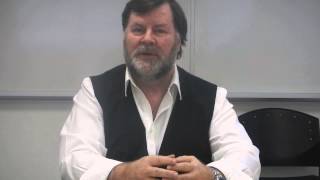
video added 2015 Feb 4th |
| A group presenting on "Netflix"
in MRK460 in April 2012 handed out popcorn to everyone in the class - probably
appreciating that most people between 18-25 are just human eating machines
and hungry all the time - it worked... "just saying"
Many groups think of bringing food, the key is
|
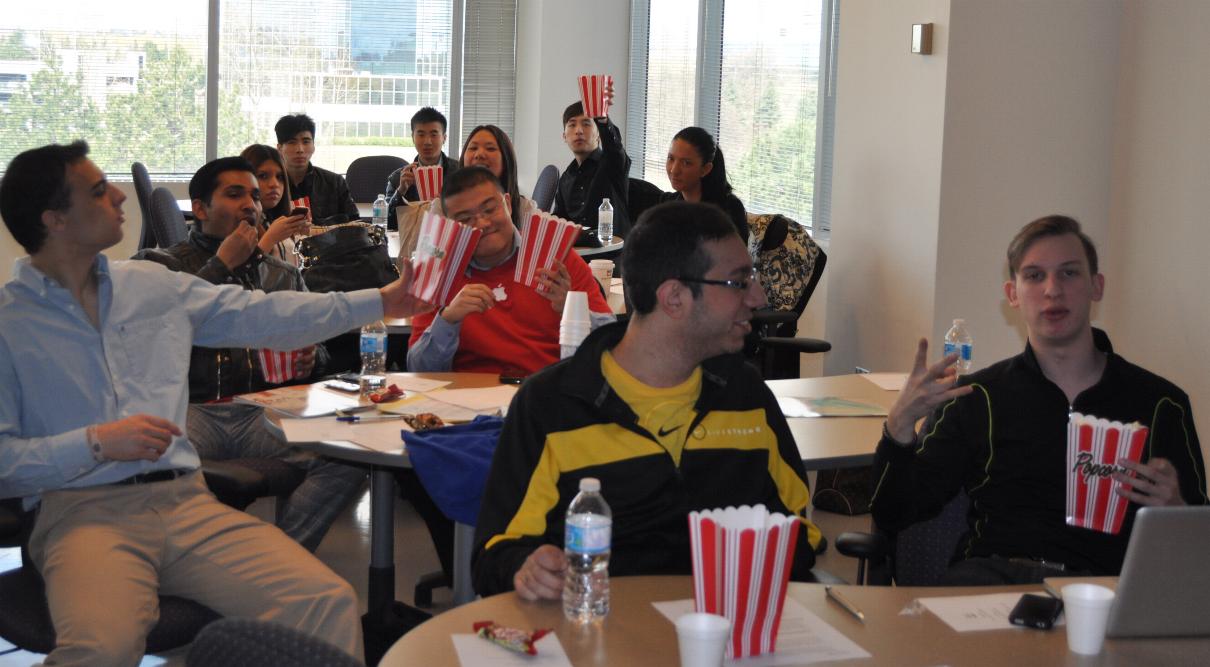
photo taken 2012 April 11th |
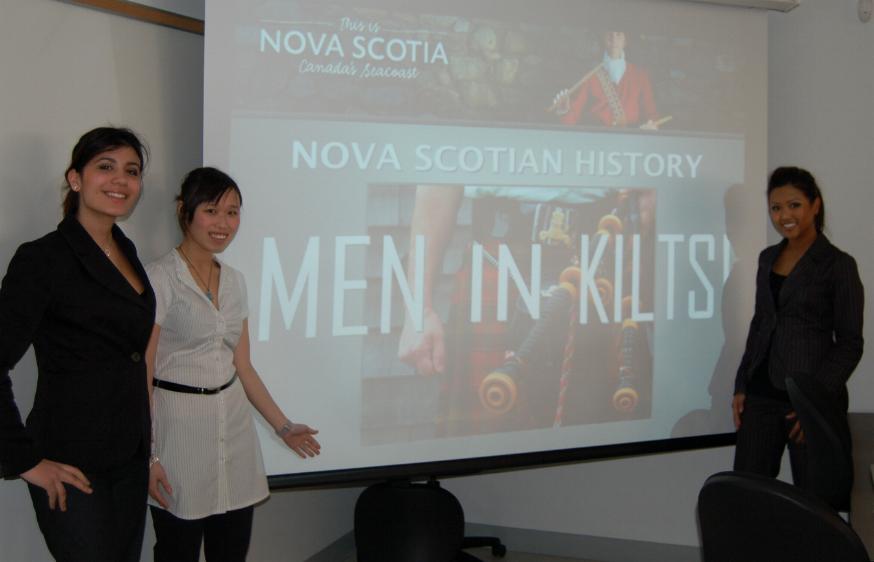 |
These attractively and "business-like"
dressed ladies from Team "Nova Scotia" in March 2007 did a great job of
"engaging" the audience through the time tested and proven techniques of
"sex and humour" - as you can see from their slide in the pic to the left
making your audience laugh a little bit can always be helpful in most business presentations because it helps you to be remembered - especially in a highly competitive environment |
| Engaging
with Enthusiasm
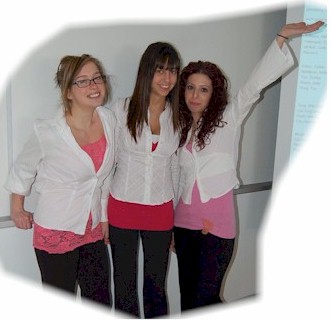
These ladies in the MRK264 class in March 2007 were very enthusiastic in their presentation about a Nightclub. In the "real world" it is important to appear to be very enthusiastic (even if you don't feel that way) because you need to get the audience strongly interested in your presentation so they'll believe your product is good. You can do this by moving your arms around in exagerated ways, changing the pitch of your voice, speaking more loudly or softly for emphasis, and moving in the room - walking forward towards the audience or walking sideways on the stage. |
 |
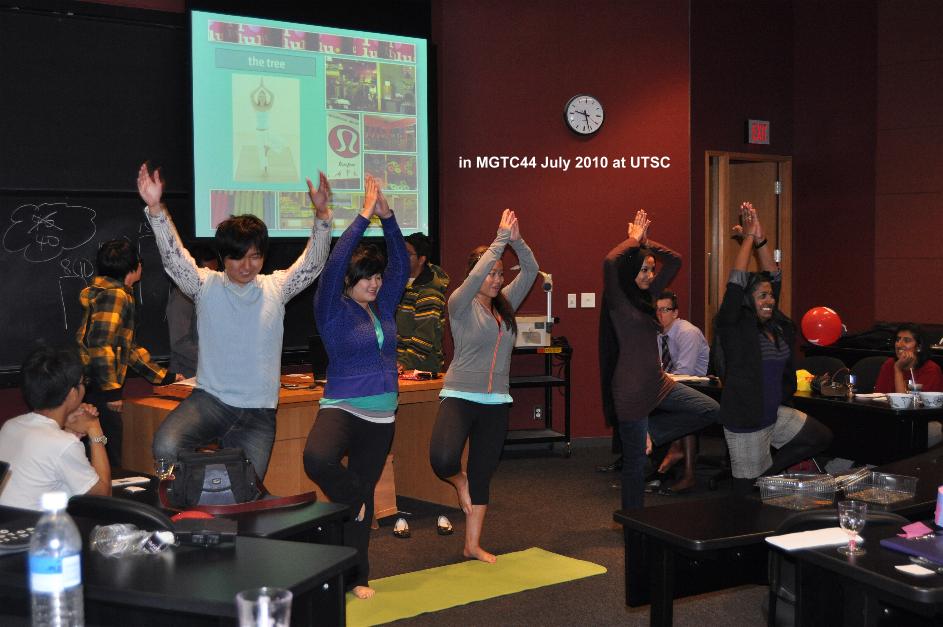 |
Engaging
the Audience "actively"
This group in MGTC44 at UTSC in July 2010 did a presentation on Yoga clothing maker Lululemon. They got students to hold a yoga pose to win a prize - it was quite funny. |
see video |
Having the
audience "get up on stage" and do some activity
This group from MGD415 at UTM in March 2010 showed very clearly how their payment system was faster than the traditional way of paying cash. They "engaged" the student audience by having them line up opposite 2 student cashiers to buy real coffee they brought into the classroom. It was easy for the audience to see the advantages of the system created by the students. |
 |
Having the
audience do some activity
This group from MGTD06 at
UTSC in March 2012 got the whole class to clap and stomp to the Queen Rock
Anthem
original "unplugged"
|
| Engaging
the decision maker
|
Engaging the
audience almost always includes engaging the professor. In "real life"
corporate presentations you pick out the most senior man/woman in the room
and have some attractive person schmooz them irresistibly in a funny way
so they can't deny the charm of your product.
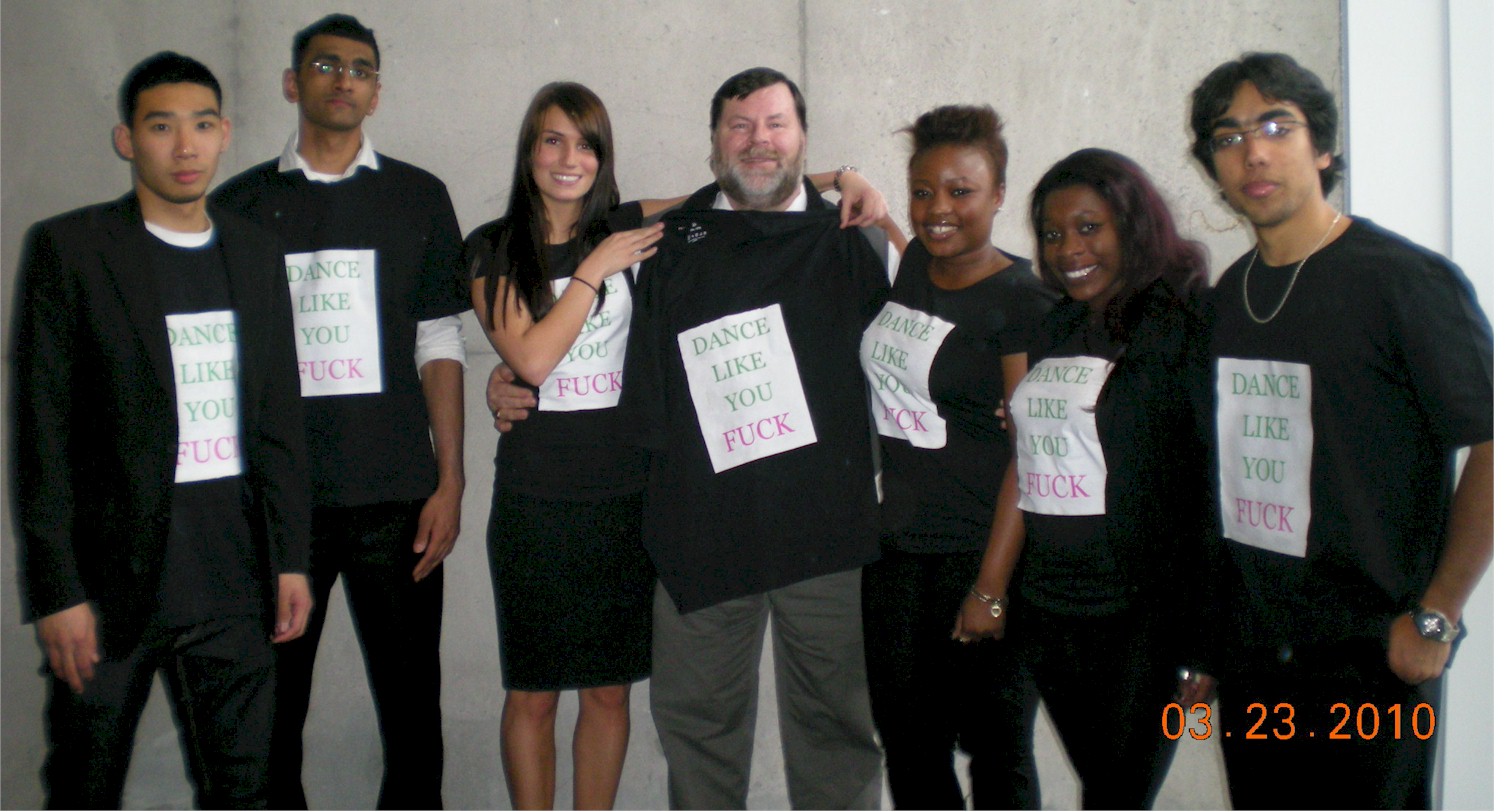
Here is a student (Julia C.) in MGD415 at UTM in March 2010 encouraging me to wear their shirt and i am acting like a stupid clutz not knowing how to hold it. below is the whole team
|
| Being extreme in certain language or images can be risky, but, in the real world of corporate presentations, people do this all the time - you just have to know your audience in the case of "dance like you f - -k", it was OK with a university class - i'd probably not do this at a church meeting. |
Engaging the audience through a game show skit
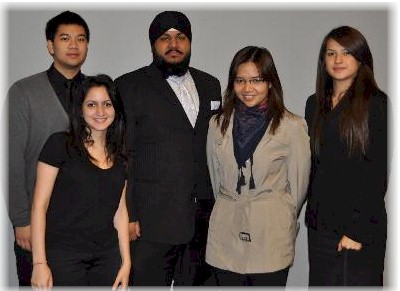 |
Oct 2011
students
in CCT224 at UofT Mississsauga Dana A., Jelyn A. Karlo C., Rana H. Gursimran (Sim) G. presented to the CCT 224
class a description of Leverage Ratios using the theme of "Who Wants to
be a Millionaire" (WWTBAM).
|
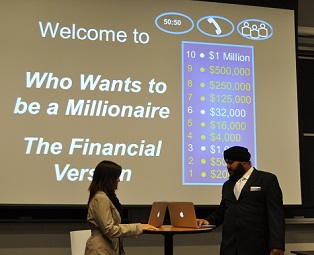 |
Engaging the audience through a game show skit A quick snapshot to show the elaborate PPT the student presenters created to mimic the questions in the game, and use those questions to go through the main points describing Leverage Ratios |
 |
Engaging the audience through
a game show skit
They got audience participation by having the students shout out the answers to questions One of the "lifelines" in
the real WWTBAM is to ask the studio audience
|
v
| 6. Respect |
I've noticed that your generation uses the word "respect" a lot.
Respect is something that goes both ways, ......
 |
if you want
respect, you have to give respect,
or do something respectfully to earn such consideration.
For class presentations, I have noticed over the last couple of years that many students in class who are waiting to take their turn presenting, are NOT very respectful to the people presenting, they talk too loudly about their plans for their presentation, they click in a noisy way on the keyboard, they come in late and distract the group presenting at the time. So, "you' all" need to give
each other respect, so
|
| 7. Presentation Content |
if you are using "death by
PowerPoint" by careful to not overload each slide with too much content
- meaning, .. do not put
too many words on the slide,
- just a few words - you
speak the rest
- if you put too many words
on the slide, the audience will start reading ahead and won't listen to
you
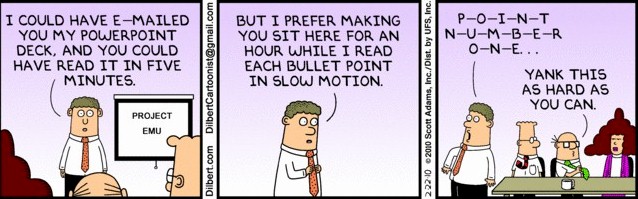
published by Scott Adams
in Feb 2010
using PowerPoint
- DO
NOT read the points on the screen
- use the points as a prompt
to expand and explain each in more detail
| 8. Time Considerations |
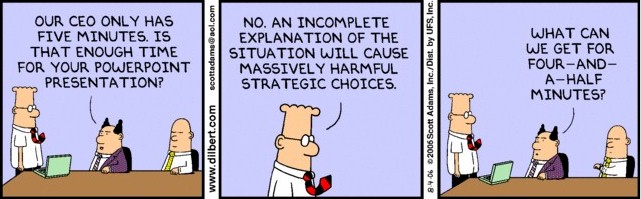
Are you Late - sometimes
students come late on the day of a presentation.(stuff happens)
- do NOT arrive late - therefore,
come to class 5 or 10 minutes early that day to make sure you are not late
- if you do, wait outside
the classroom, do NOT (unless a truly medical emergency) walk in and interupt
the presentation (even if it is your group)
- just wait outside til
the group is finished
In most cases, the students who are late are worried about what will happen and when they approach the door, burst in and interupt the presentation in progress. This can really "pysche out" the students who are in the middle of a presentation so PLEASE wait outside the door until the presentation is finished, then come in.If you had a flat tire, or car accident those things are all forgiveable and chances are you'll be given time to compose yourself and present
- what is NOT forgiveable is being rude and interupting others who managed to make it on time.
| 9. Rich Media |
- in 2008, and more in 2009
and 2010-2011 a number of students are starting to make videos and post
them on YouTube - if you do this right, it can be useful
- or it can take a lot of
time and not really add much to your overall presentation
- make sure you use HIGH
DEFINITION and make sure the "actors" speak loud and clear cause most video
record functions have sucky mics
In March/April at UTM there
was a very VERY good student team that did several videos as part of their
group project.
Have noted them below for
your education.
the
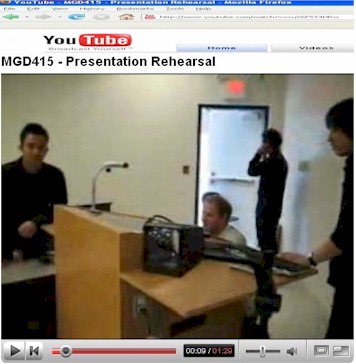
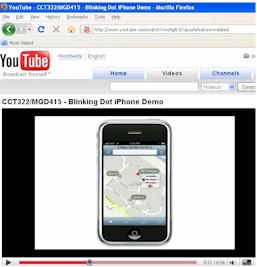
Making of the Blinking Dot Presentation - March 2008 UTM
 |
In early Feb/March
2008 I (WTGR) had made a special point of advising the students that the
upcoming presentations in April better bring it cause "you live in a competitive
environment".
Several students in the MGD415 class at the University of Toronto (Mississauga Campus) put on a great presentation - it was named "Blinking Dot" and was about GPS enabled circumstances. Not only did they do a great presentation in class, with lots of role playing, a script and use of several "rich media", they also created a "behind the scenes" video of the making of their presentation - which was the first time anybody had ever done that. Their video was so kewl it has been loaded it up to YouTube and I have made the link here so you can see it andby watching this, have some idea of what is needed to get an "A+" in a class presentation at the 4th yr university level. |
 |
Special thanks to Justin L., David S., Lester C., Phil H. and Conrad M. for taking the time to make this kewl video with a "mad" soundtrack, your time and efforts are appreciated |
 |
The "Blinking Dot" Team
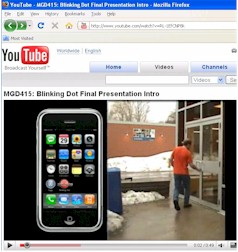
made several videos to go with their project - here is another one
it was a service to allow GPS info to determine a person's location to other people While the video is kewl, it is kinda hard to figure out what it is at first, so when you use something like this, it is expected that it will not be "stand alone" but in combination with something else that gives context, like a person speaking an intro I also showed it here so you can see how some students take a bit of time to make these, with a plan and scenario to be interesting. |
 |
Another video by the "Blinking Dot" Team |

youtube.com/watch?v=K-xsbBW465I - in 2011 this upload was blocked with a mesage about the music containing content from EMI |
The group received a good mark for coming up with a kewl concept, and then showing the effort to carry out something that was fairly time consuming. |
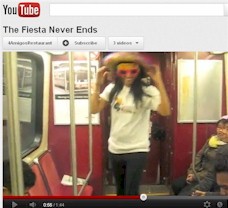 |
1. they got 300+ views before showing it in class - which means they did it far in advance and used social networking to get the views 2. the "production" effort was high taking into account the many locations involved in the shooting of the video, such as on the TTC subway 3. they used humour based on a popular meme at the time of filming someone dancing behind an unsuspecting citizen in public |
| 10. Lasting Impressions - you learned something "useful and interesting" |
Leave the professor, with
the impression that in the process of planning and carrying out this presentation
you learned something, and leave the student audience with the impression
that they learned something "useful and interesting"
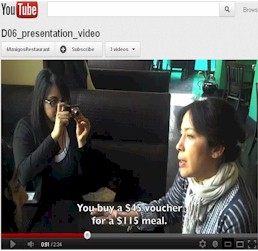 |
4 Amigos in MGTD06 at UTSC
in March 2012 filmed their interview with the proprietor of the Text-Mex
restaurant they did for their project - and, because the interview was
in a public location, they added in subtitles later so the viewer could
understand the segment, even though the audio wasn't perfect. A great example
of a "learning experience"
1. they learned something,
and proved it
|
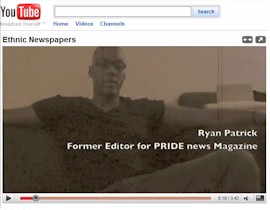 |
Warren P. and his fellow
group members in BCS555 in Nov 2009 did their Case Study on a prominent
ethnic newspaper in Toronto - and they went and interviewed the former
Editor - so they definitely "learned something useful and interesting".
And.... when they handed in their project, they included a video of the interview so the prof. could understand the efforts they went to, to obtain some useful first-hand information (primary research). |
In the case of the team "White
Plates Restaurant", they learned that if you take the time to write
some kewl messages on some plain white plates, and then leave them out
in a highly popular pedestrian area, you will indeed attract attention
and interest - having a sense of imagination is important in the learning
process cause it causes you to "try ..." and see what happens - and we
call this..... learning.
| 11. You Live in a Competitive Environment |
If you want to get a better
mark than the other groups - own the room
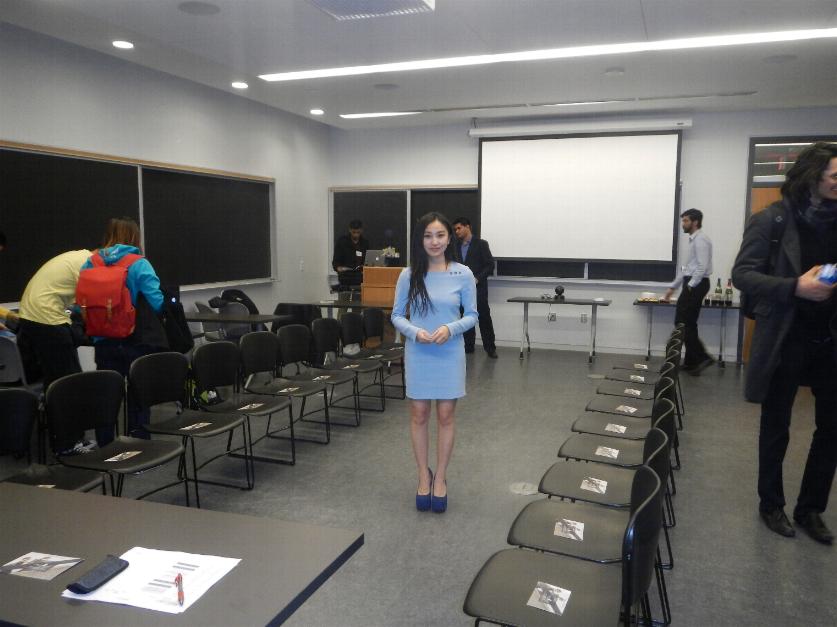
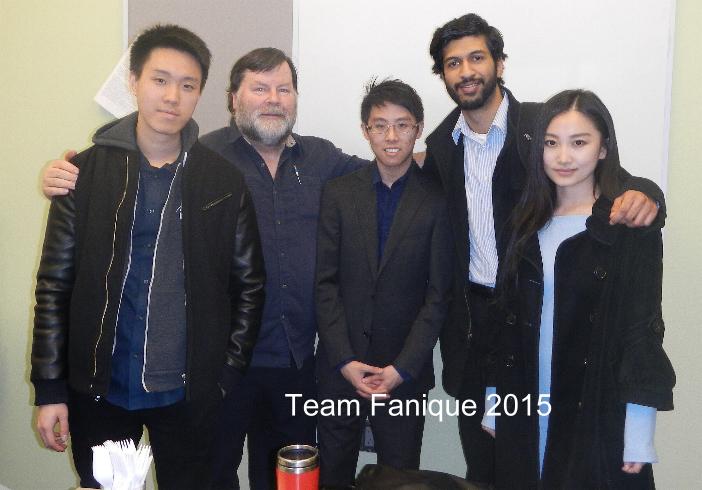
This is what Team Fanique did at UTSC for their presentation about a fashion/event marketing company - which is actually a real company launched by Lynn Mao (who is in the pic coming down the "runway") |
Understand that
as far as I am concerned, when you present, you OWN the room, so you can
do ANYTHING you want, like rearrange the chairs and tables etc...as long
as it is not racist, pornographic, or involve firefighters attending !!
team Fanique
|
If you want to get a better
mark than the other groups - you have to do something significantly
better than the other groups
- this is the way it is
done in "real life" in corporate presentations in marketing and product
launches - it is no different in the classroom among a competitive group
of smart students
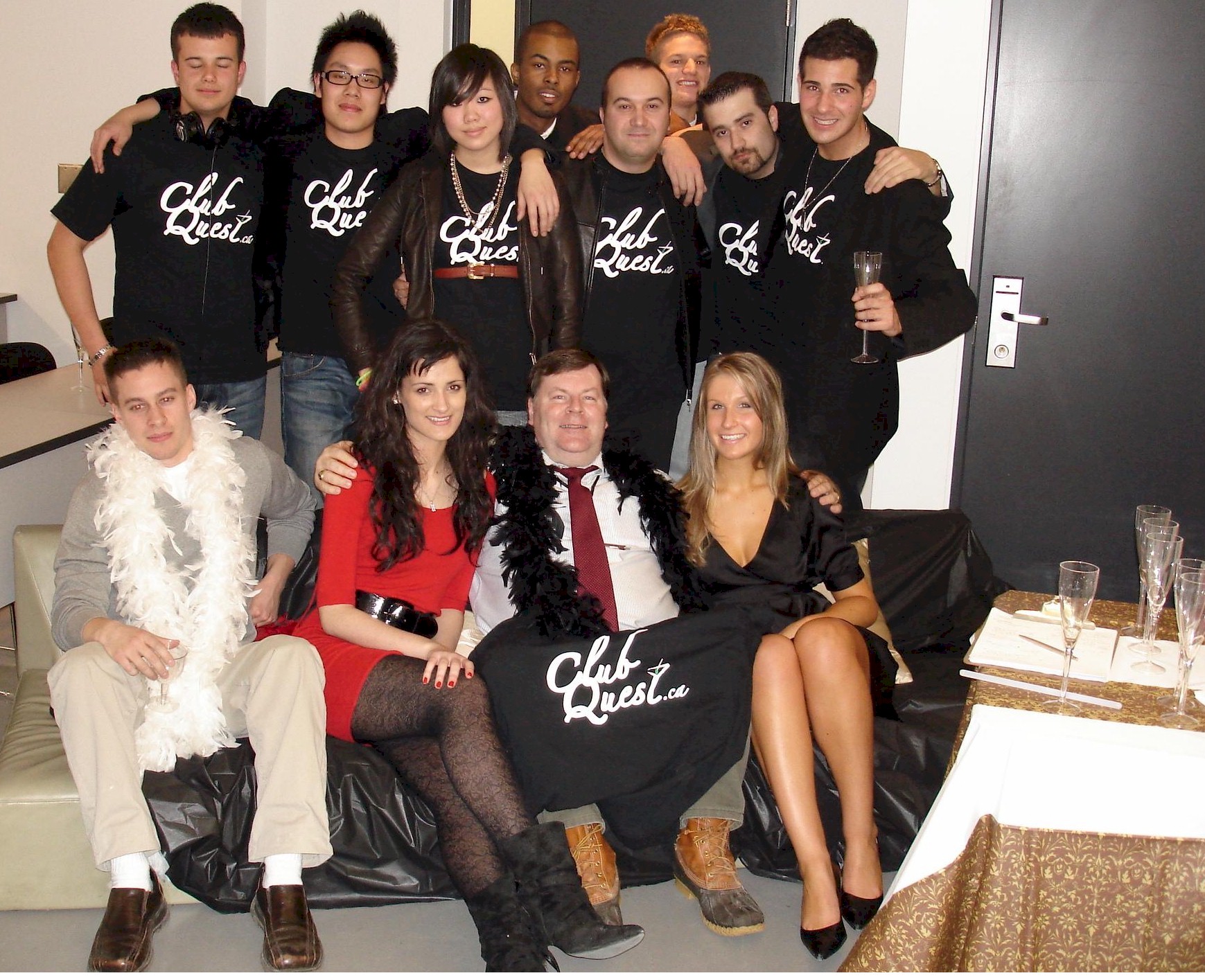 |
This was the team "Club
Quest" from MGD415 in April 2009 at UTM
There's "group pics" with the prof after the presentation, and then there are GROUP PICS with a whole team including outside DJs, models, bouncers, other students used as VIPs, champagne glasses, furniture brought in. etc. etc. - this was a great presentation with some of the highest "production value" I have seen in 11 years I appreciated the time and effort that went in to planning and carrying out this event - the fact that they pulled it off with no major problems was bonus. |
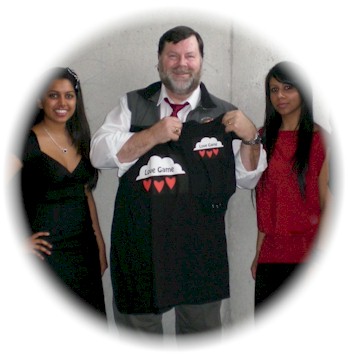 |
One of the things about
making successful presentations is knowing something about your audience
in advance, and keying in on that personally - do not be ashamed to exploit
any information you have to make a connection and have your team noticed.
This group from MGD415 in March 2010 knew that i just had a grand-daughter born 2 weeks ago, so not only did i get the usual T-shirt in size 2XL for me, but they also made up a tiny sleeper that would fit my grand-daughter. Now before you think this is major sucking up to the max - don't worry, this did not boost their mark ..too much, but it did cause me to think that they pay attention to the personal side of things and in business, paying attention to the personal side of relationships will be very profitable for you in the real world. |
also there is "10 Tips For
Successful Public Speaking" http://www.toastmasters.org/tips.asp
|
|
CONTACT I MAIN PAGE I NEWS GALLERY I E-BIZ SHORTCUTS I INT'L BIZ SHORTCUTS I MKTG&BUSINESS SHORTCUTS I TEACHING SCHEDULE |
| . | |
| MISTAKES ITEXTS USED I IMAGES I RANK I DISCLAIMER I STUDENT CONTRIBUTORS I FORMER STUDENTS I | |
| . |